Download your Windows Server version from Microsoft’s website: Download here
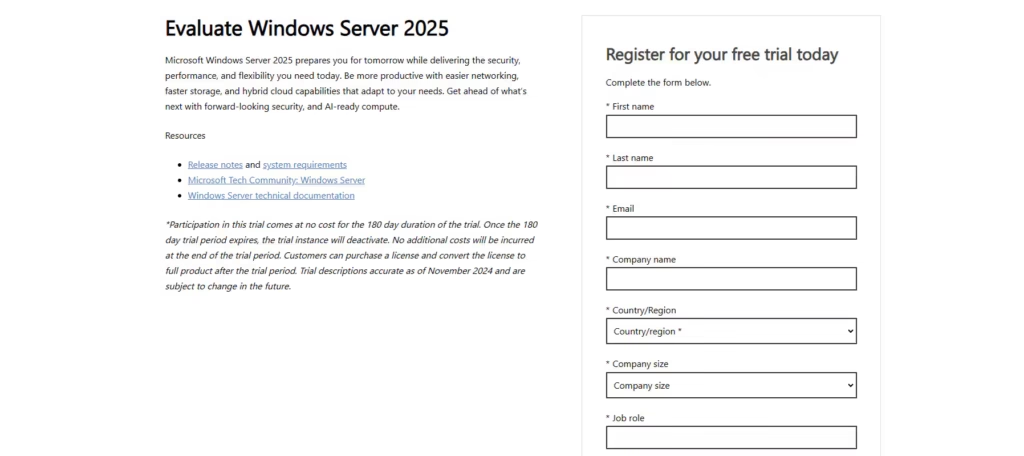
You will have to register for a trial in order to get access to ISO images.
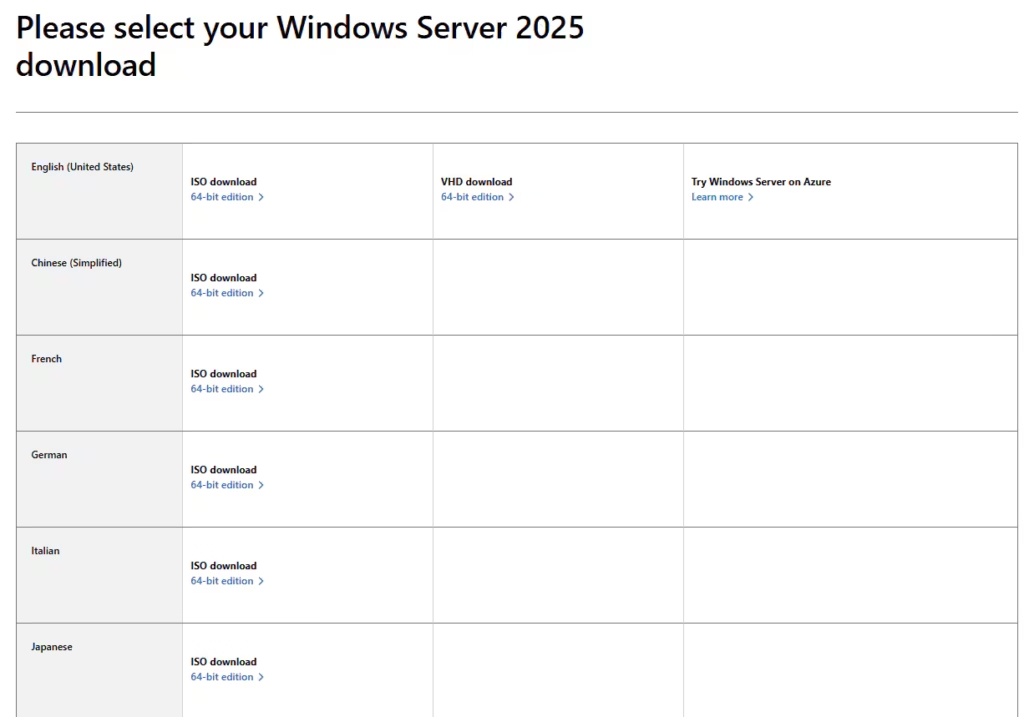
Pick your preferred language version and download the ISO image.
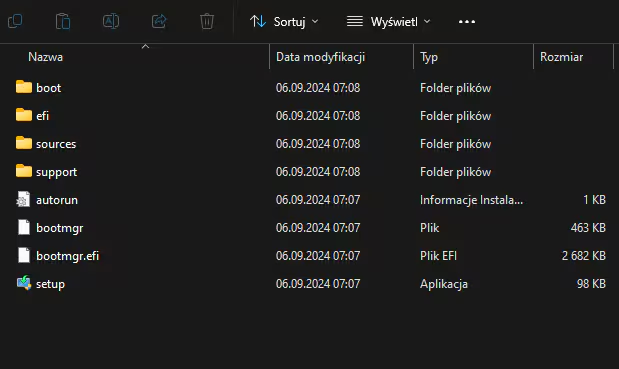
Copy the required files to a DVD or a USB flash drive and perform the installation.
Choose the edition you bought as the installation option.
- To activate Windows Server, run the CMD as admin and perform the following command:
DISM /online /Set-Edition:ServerStandard /ProductKey:XXXXX-XXXXX-XXXXX-XXXXX-XXXXX /AcceptEula (Instead of the X, please enter the product key)